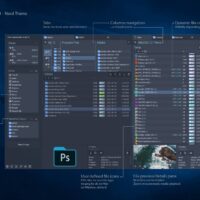
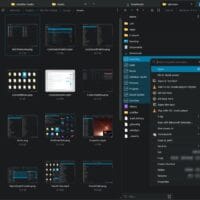
File Pilot Review: Next-Gen GPU File Explorer for Windows (2026)
Windows 11 File Explorer has grown noticeably sluggish— weighed down by XAML/WinUI rendering overhead, delayed right-click context menus,...

- August 24, 2025
Windows 11 File Explorer has grown noticeably sluggish— weighed down by XAML/WinUI rendering overhead, delayed right-click context menus,...

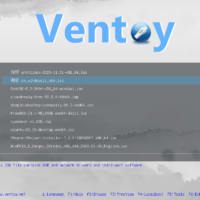
Reflashing a USB stick every time you need to test a new Linux distro, deploy Windows, or run...

CinebenchEvaluate your computer’s hardware capabilities EVALUATE YOUR HARDWARE Cinebench is a real-world cross-platform test suite that evaluate your...
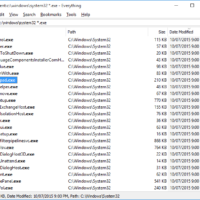
Are you tired of wasting time trying to search for files and folders? Are you looking for an easier way to quickly and easily locate whatever you need? The good news is that now you can find whatever you’re looking for almost instantly! With the new “Everything” tool, you can now quickly and easily locate files and folders by name, saving you precious time and frustration. Keep reading to learn more about this amazing new tool and how it can help you find whatever you need!
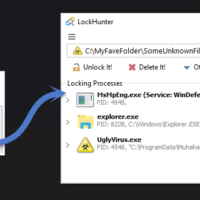
Shows processes locking a file or folderGives you detailed information on the processAllows to unlock, delete, copy or...
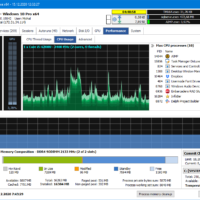
There are a lot of different task manager programs out there for Windows, but MiTeC Task Manager DeLuxe is definitely the best. Here’s why:
First of all, it’s very user-friendly and easy to use. Even if you’re not particularly tech-savvy, you’ll be able to figure out how to use all the features with ease.
Secondly, it’s packed with features. You can track your CPU and memory usage, see which programs are using the most resources, and more.
Thirdly, it’s constantly being updated with new features and improvements. The developers are always working on making the program better, so you can be sure that you’re always getting the best possible experience.
So if you’re looking for a great task manager program for Windows, be sure to check out MiTeC Task Manager DeLuxe!
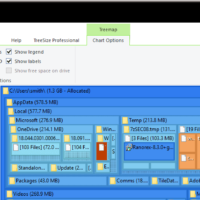
Even on multi-terabyte NVMe drives, Windows hides storage hogs inside nested AppData caches, Docker virtual disks, and orphaned...
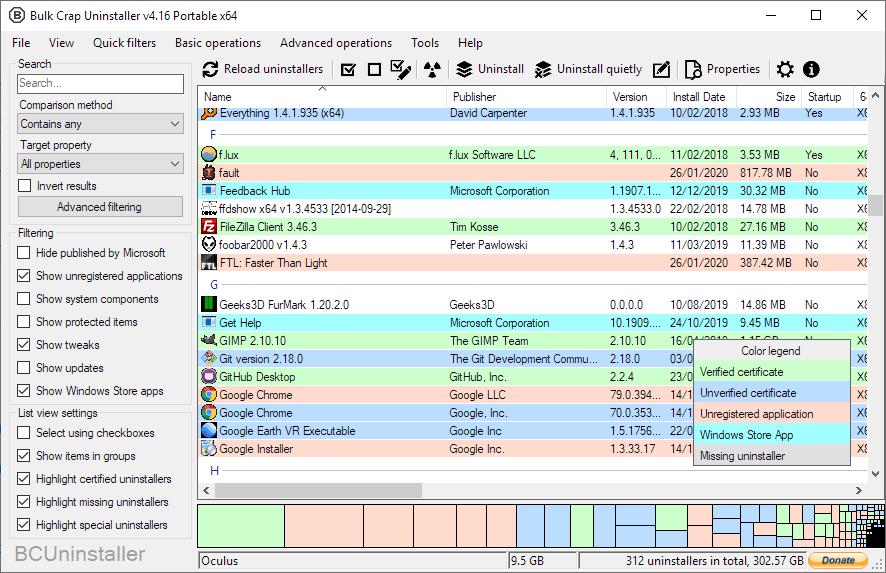
Windows’ built-in Apps & Features menu forces you to click through dozens of legacy wizards one by one—and...